PAPER WALLET MIGRATION PRE MARCH 2024 – VIEW KEY STARTING ETN
Electroneum has provided dedicated tools and developer documentation to guide users through migrating legacy paper wallets to the Electroneum Smartchain (ETN 2.0).Below is a breakdown of how the migration process works, what details you need from your paper wallet, and the step-by-step instructions.
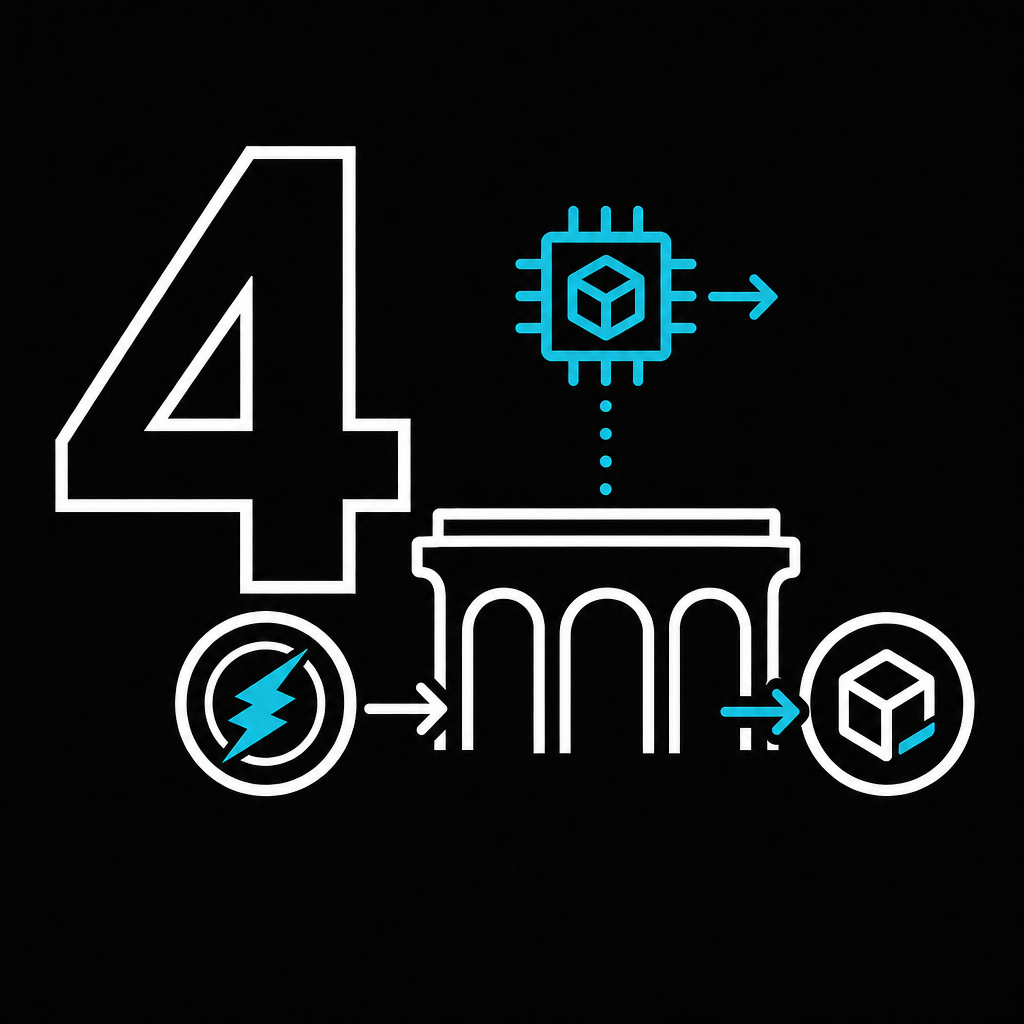
The Desktop Smartchain Migration Tool For non-technical users, Electroneum released an official Desktop GUI Smartchain Migration Tool (available on GitHub for Windows, macOS, and Linux).The app connects to a legacy remote node (legacy-rpc.electroneum.com), scans your paper wallet’s transaction history on the legacy blockchain, and automatically transfers your ETN across the bridge to a new Smartchain (EVM-compatible) wallet.What You Will NeedFrom your original Electroneum paper wallet, you will need three pieces of information:
- Public Wallet Address (Public Wallet on your paper wallet)
- Secret Spend Key (Private Spend on your paper wallet)
- Secret View Key (Private View on your paper wallet)